The NymVPN Android app is available via F-Droid, an alternative app store focused on free and open-source software. There are two ways to install it: from the main F-Droid repository, or from Nym's own F-Droid repository. For full installation instructions, you can also visit the repository page.
How to install NymVPN via the main F-Droid repo
In the F-Droid app, search for "NymVPN" and follow the app install instructions, or visit https://f-droid.org/en/packages/net.nymtech.nymvpn.
How to install NymVPN via Nym's F-Droid repo
- In the app, navigate to Settings > Repositories and click the "+" floating action button.
- To add the repository, click "SCAN QR CODE" and scan the QR code below, or add the repository manually with the following URL:
https://raw.githubusercontent.com/nymtech/fdroid/main/fdroid/repo?fingerprint=06C095C54BBFE147C986FD29ADF4E9BCD5E95ECACD6D865C6045B66B0B5500FB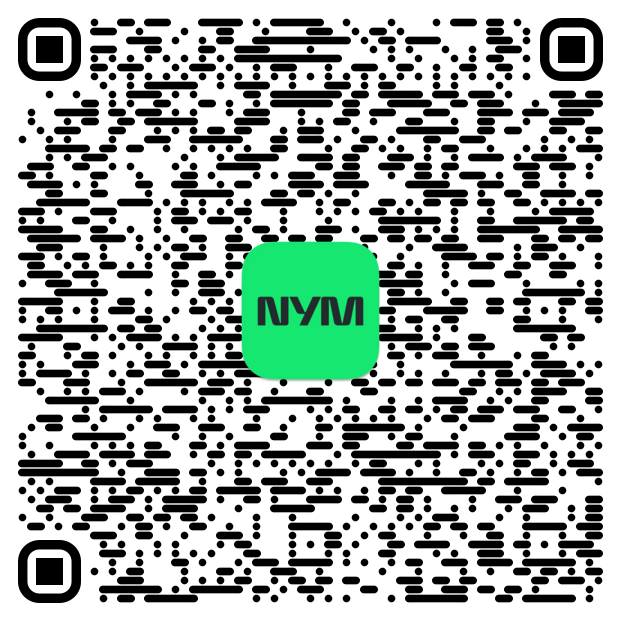
- You can now install Nym apps, e.g. start by searching for "NymVPN" in the F-Droid client.
Please note that some apps published here might contain Anti-Features. If you can't find an app by searching for it, you can go to settings and enable "Include anti-feature apps".
License
The license is for the files in this repository, except those in the F-Droid directory. These files might be licensed differently; you can use an F-Droid client to get the details for each app.
Related questions
Is the F-Droid version different from the Play Store version?
It is the same NymVPN Android client, distributed through F-Droid for those who prefer open-source app stores. Updates arrive through the F-Droid client.
Does an F-Droid install count toward my device limit?
Yes, like any other device. See How many devices can I use with NymVPN?